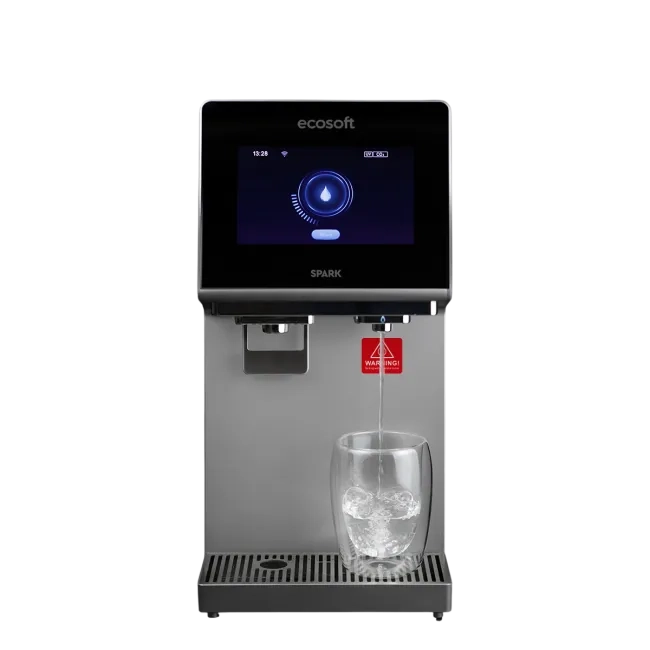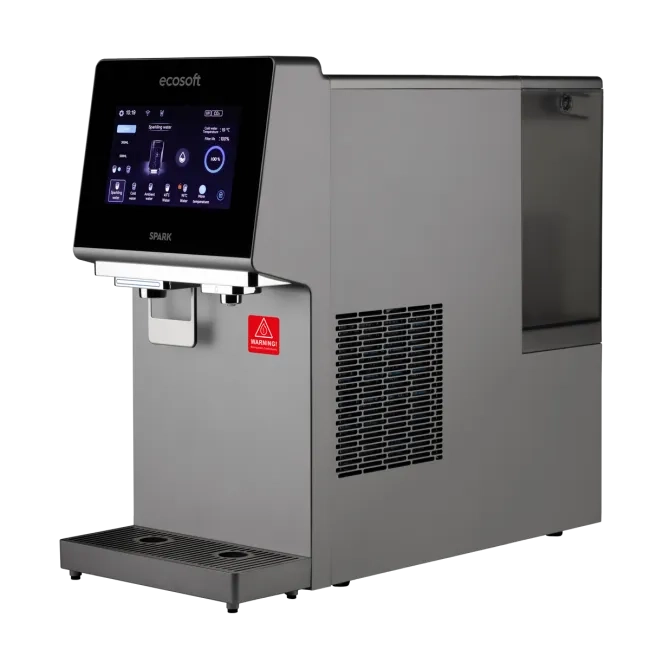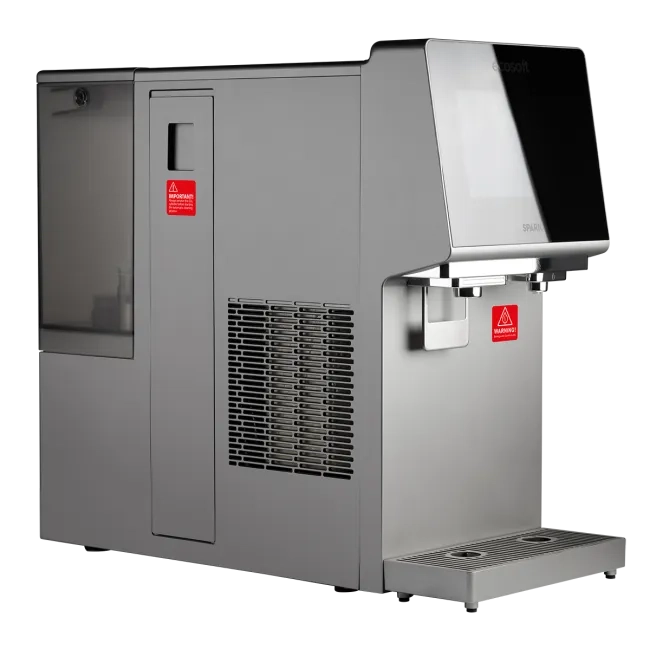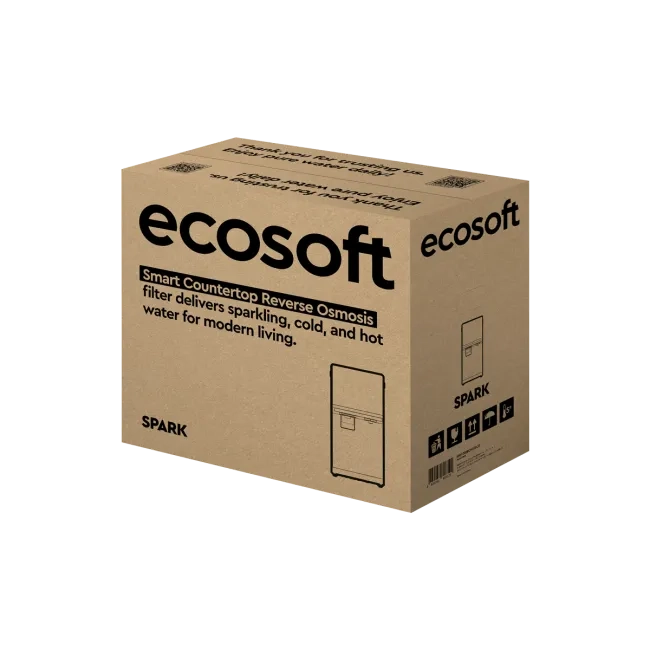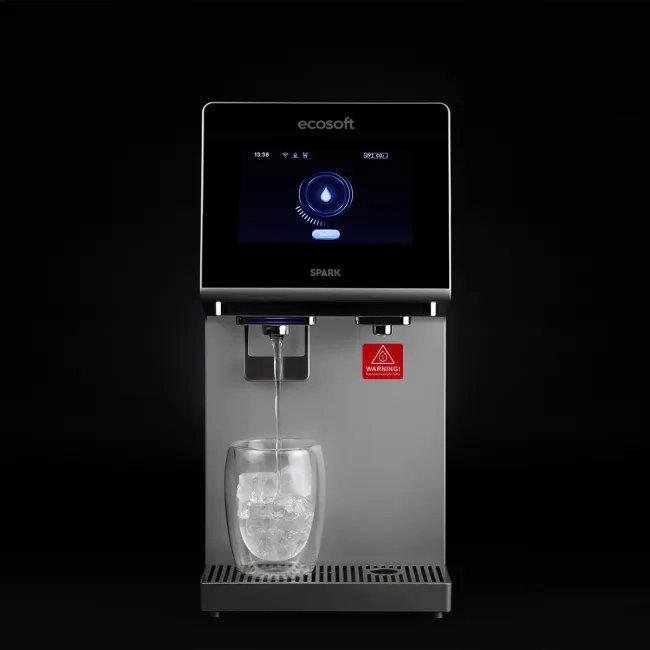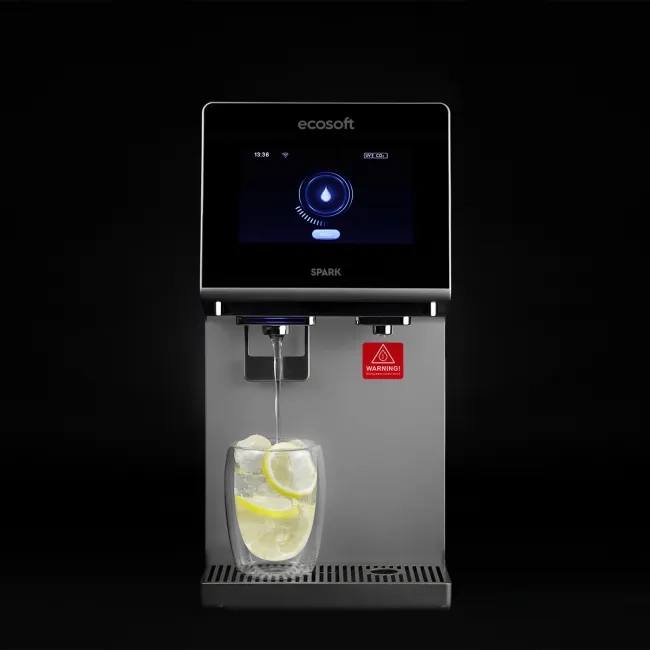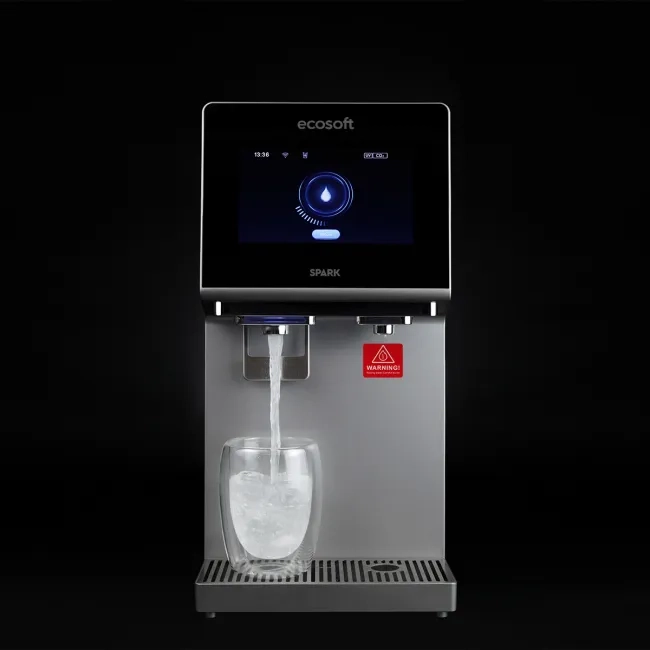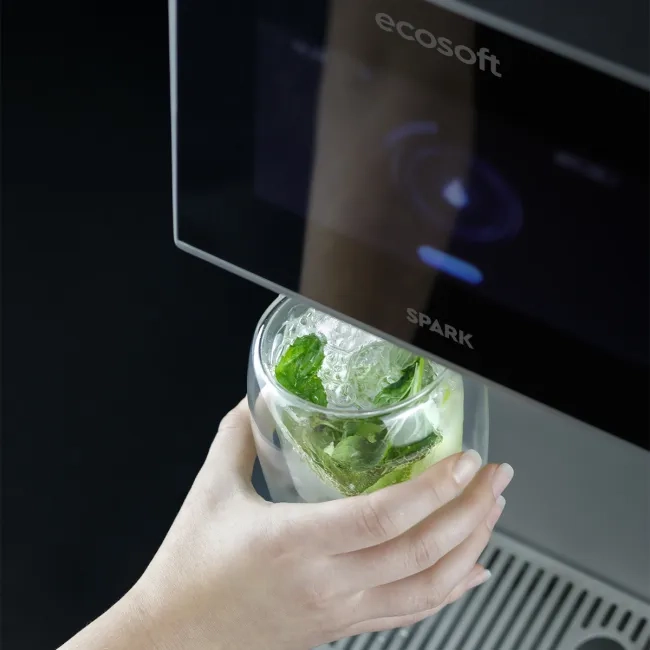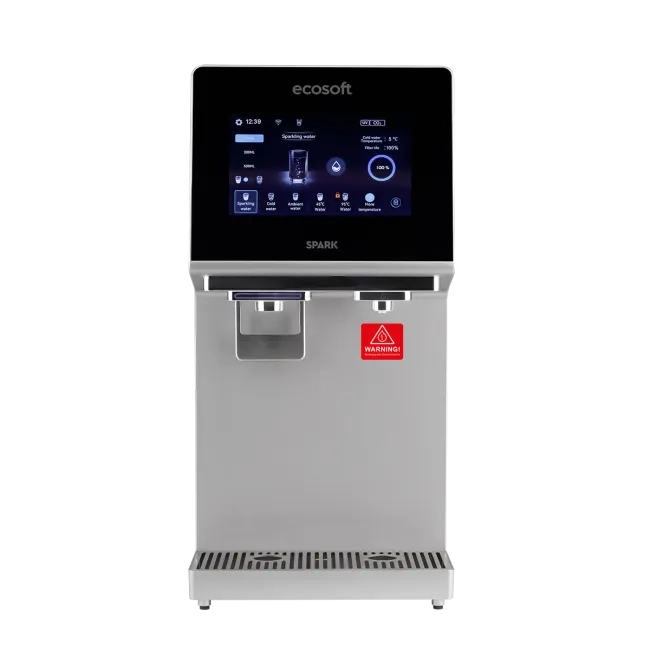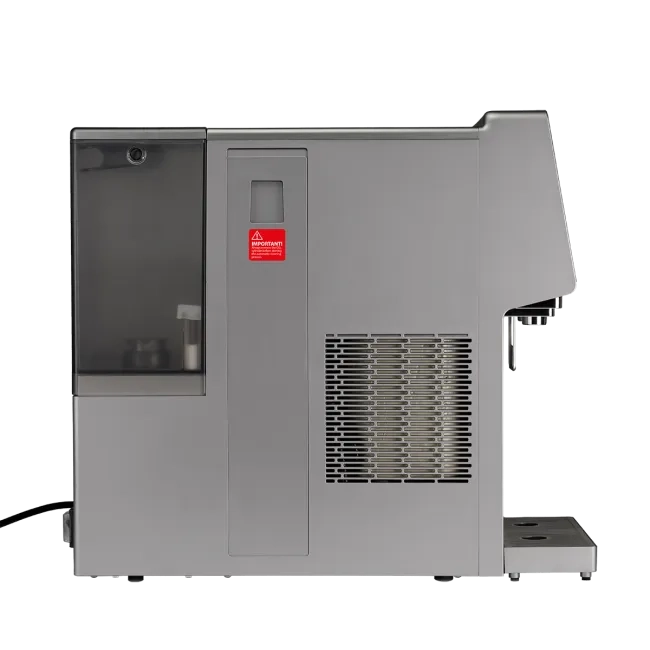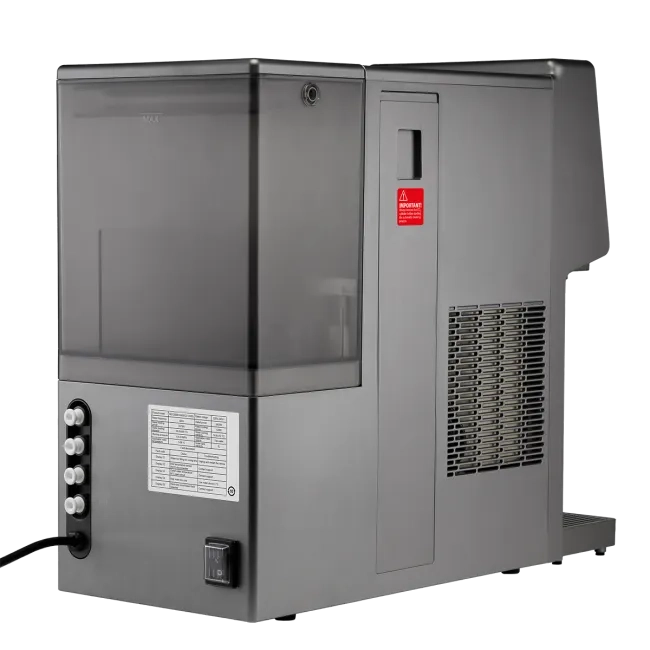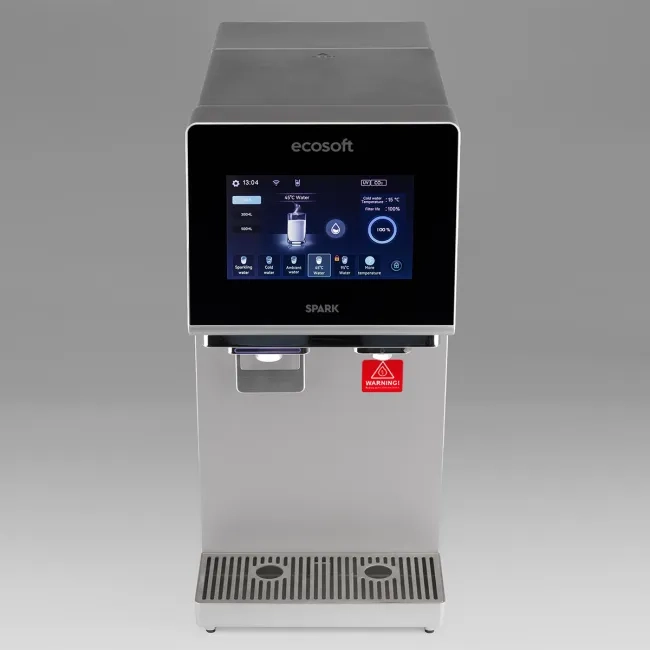


Ecosoft SPARK smart countertop reverse osmosis system

- Most popular

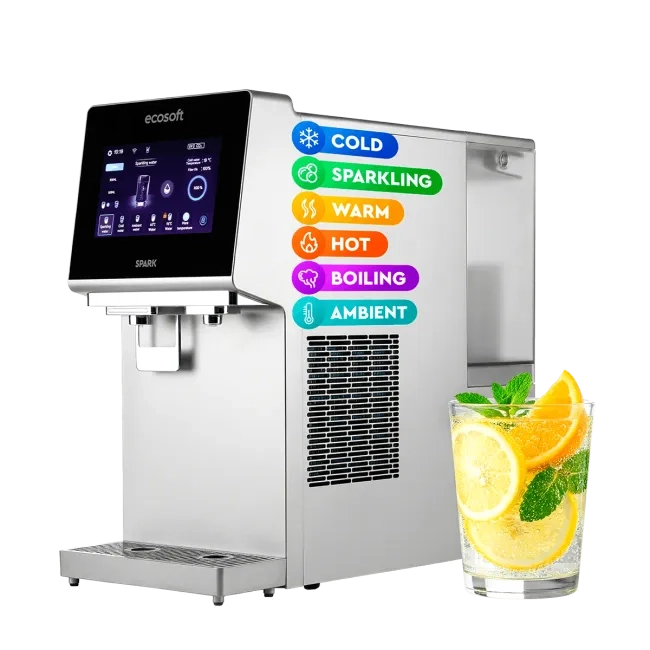
- Most popular
Ecosoft SPARK smart countertop reverse osmosis system
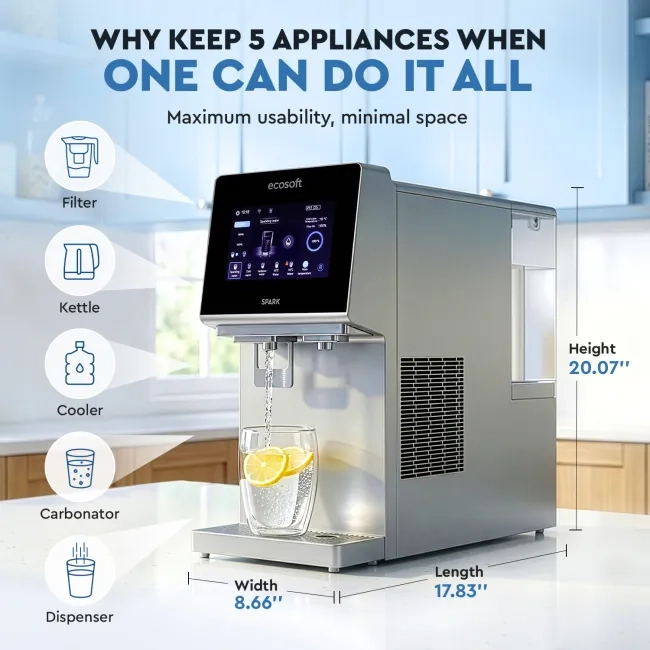
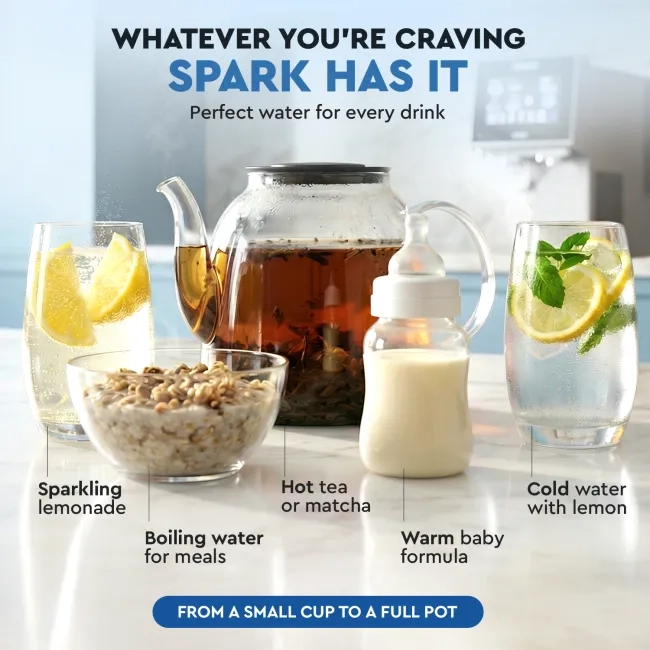
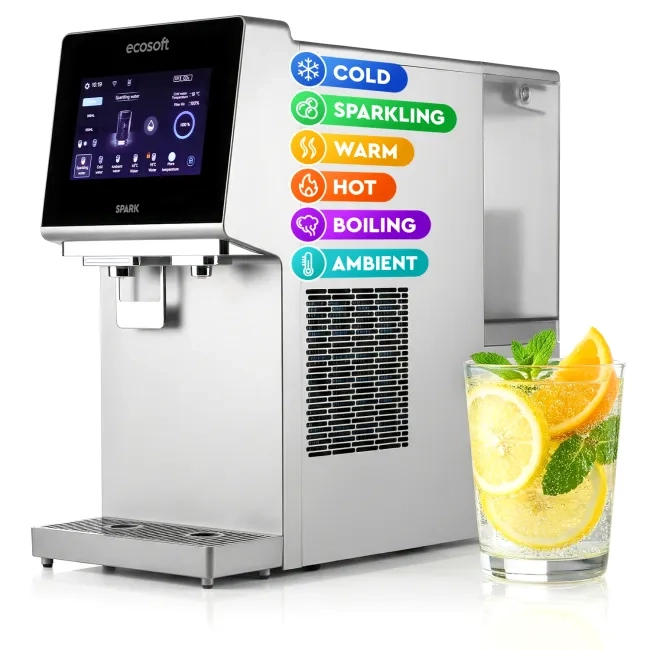
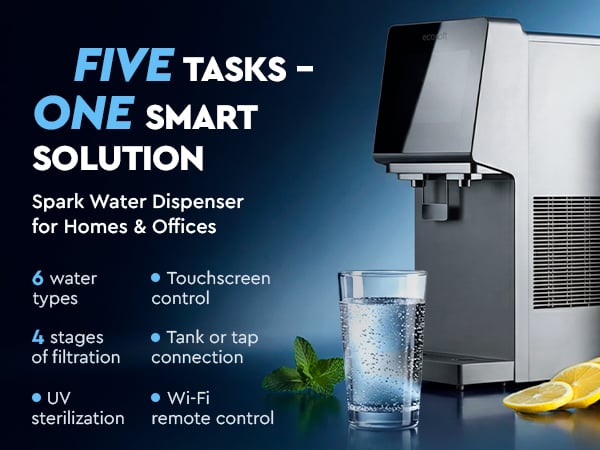
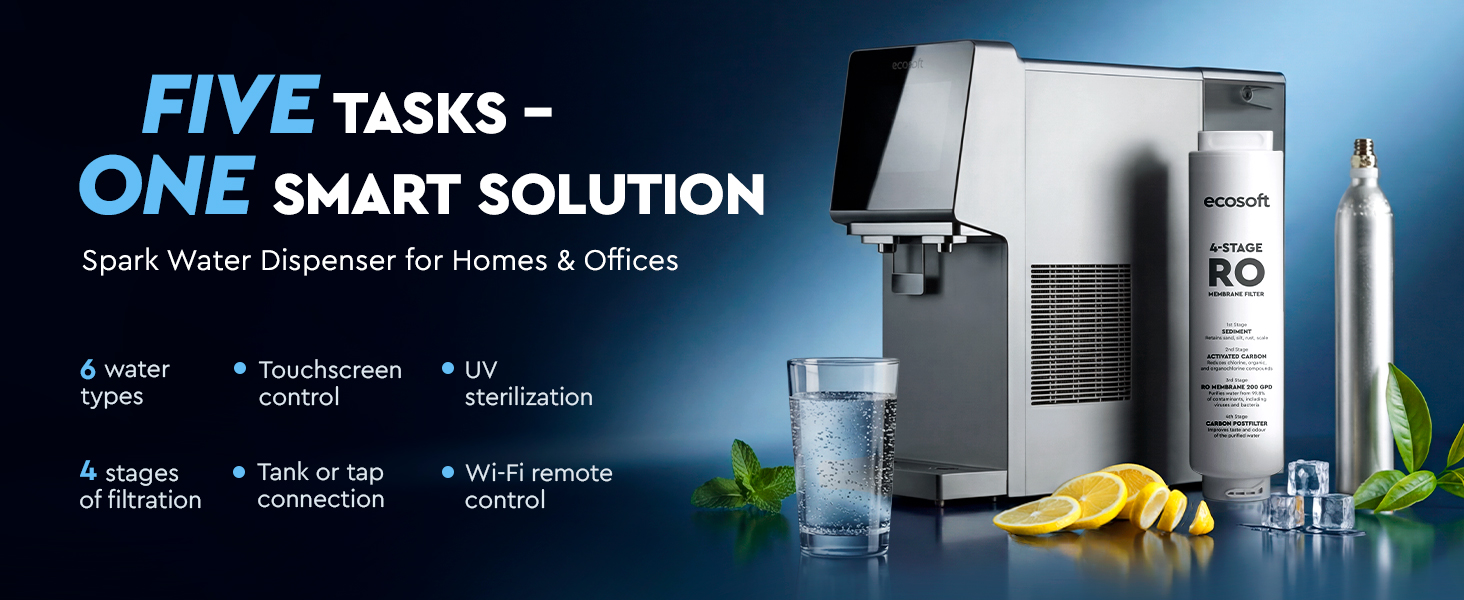
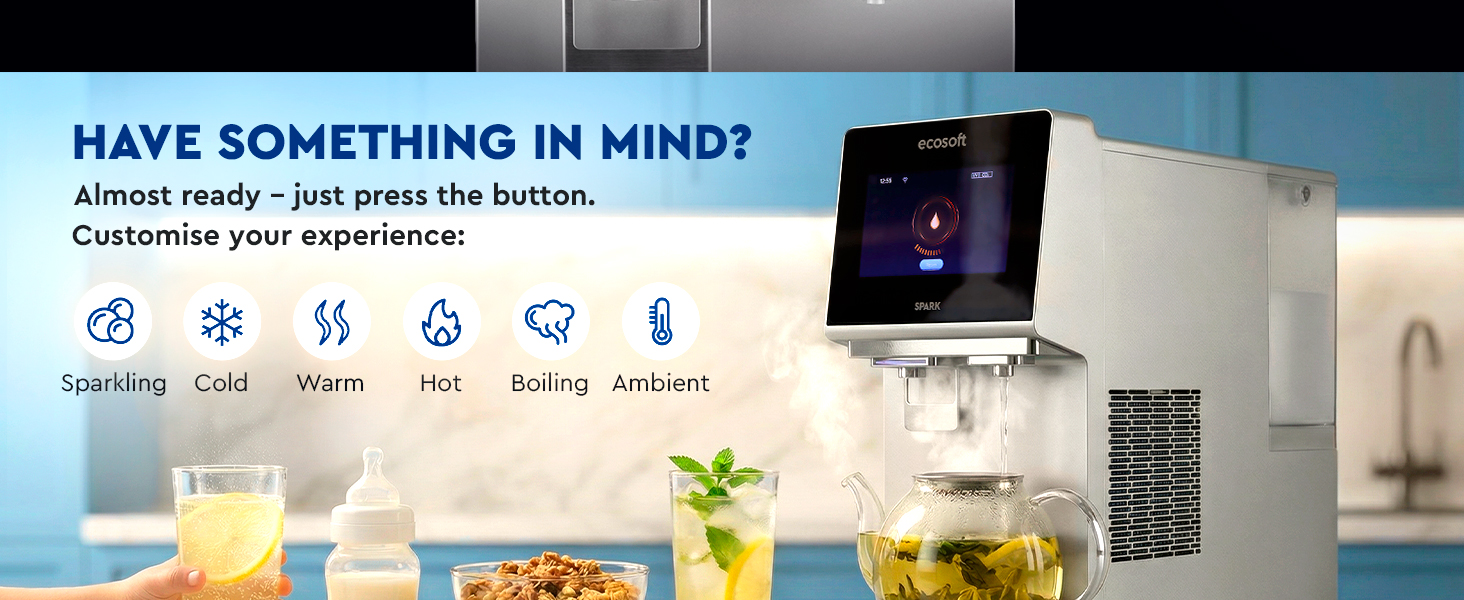
- Cold, warm, hot or boiling: adjustable water temperatures for every need
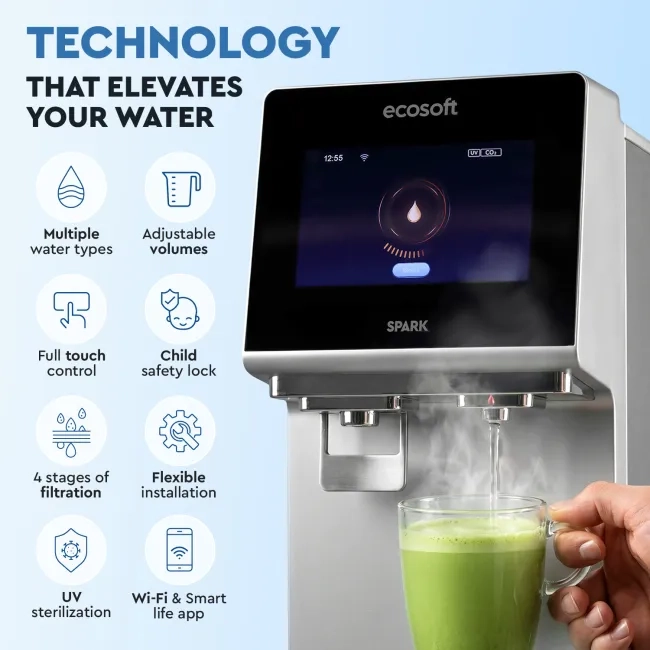
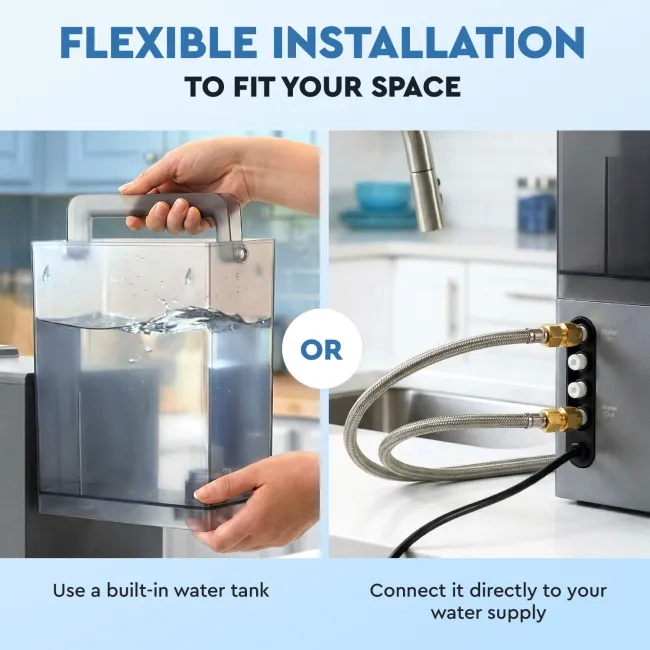
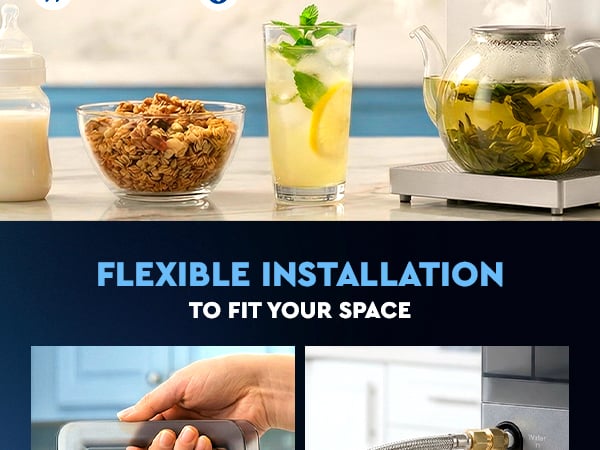
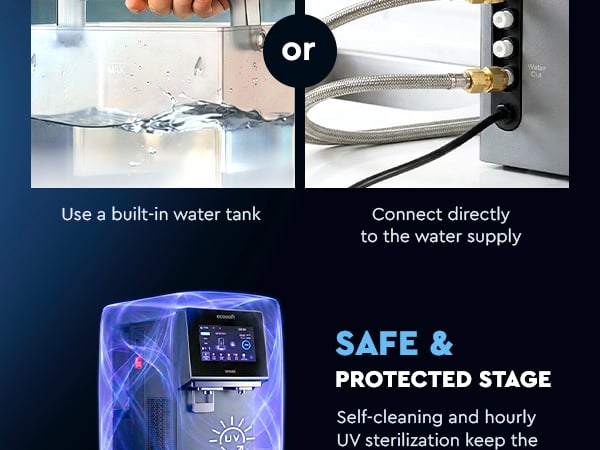
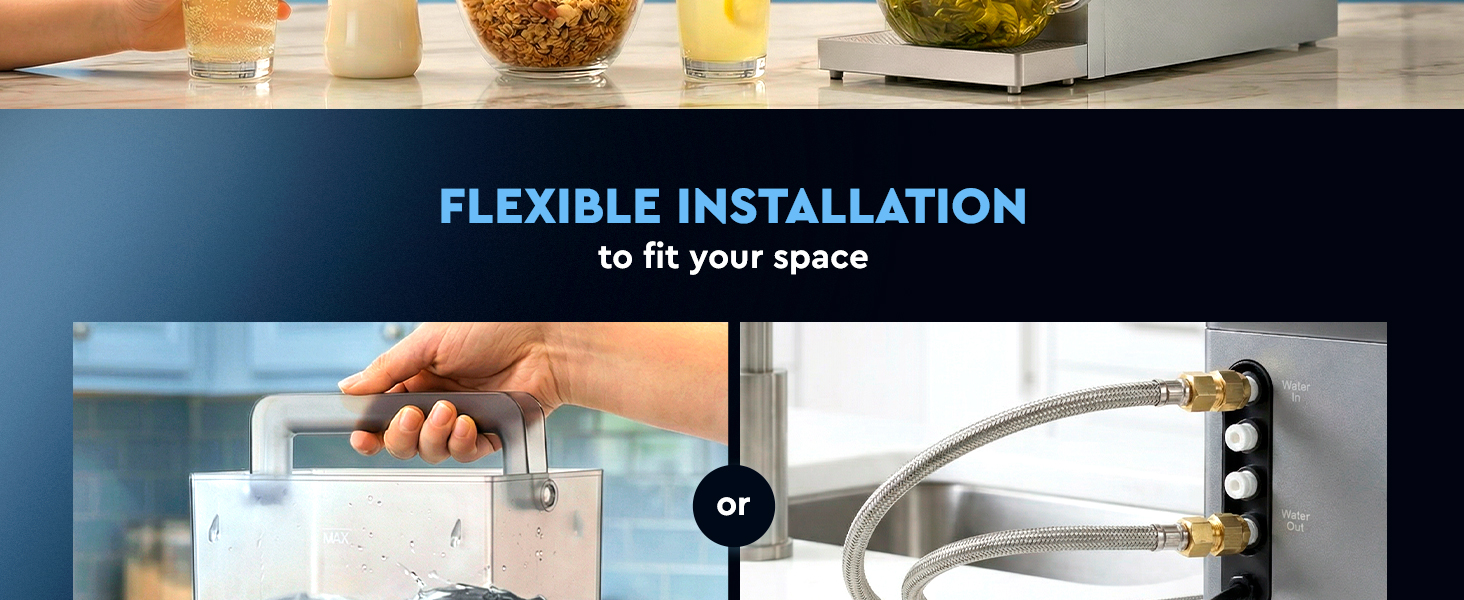
- Use built-in water tank for installation-free use or connect to tap water
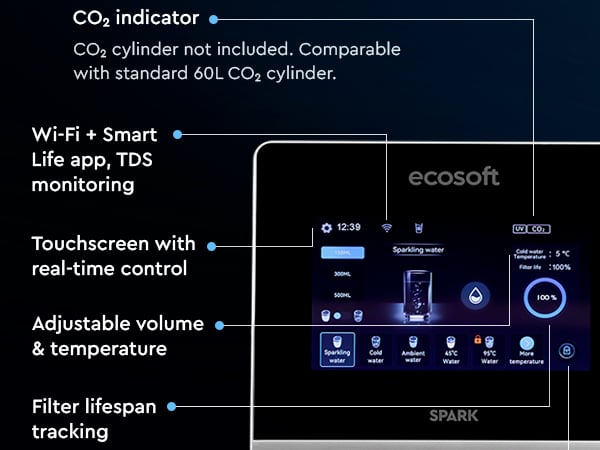
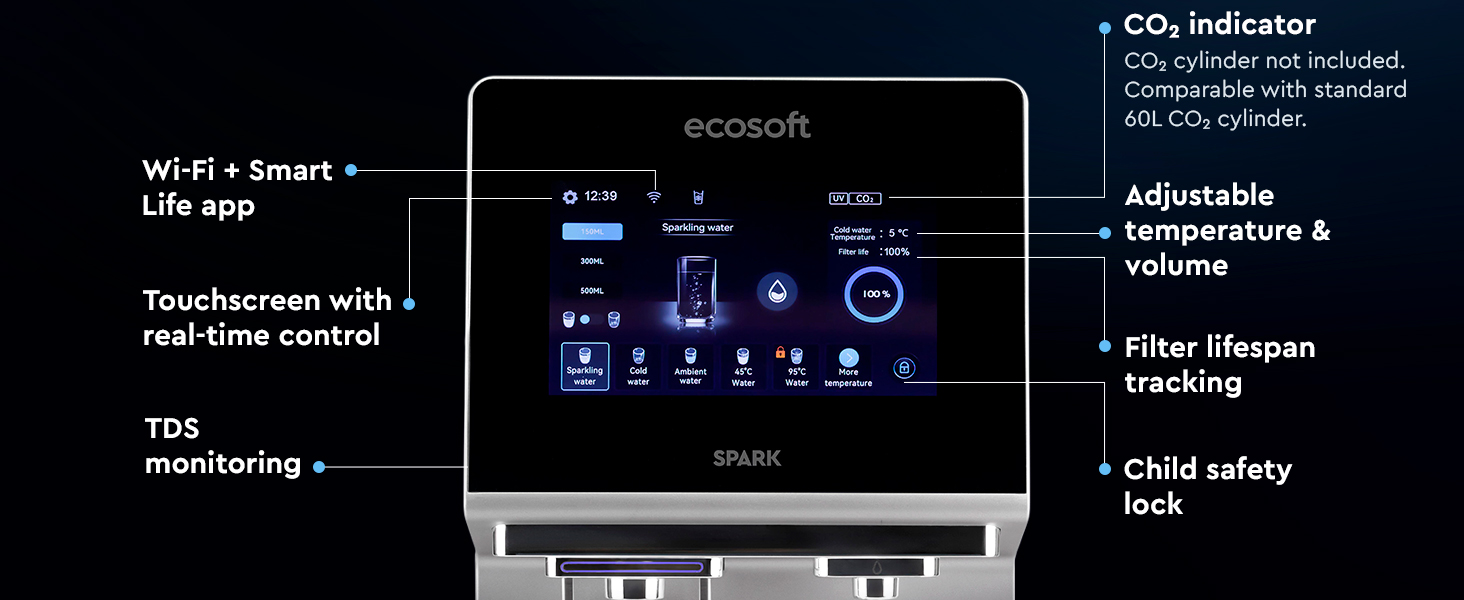
- Touchscreen with real-time settings control
- Remote control and monitoring via app
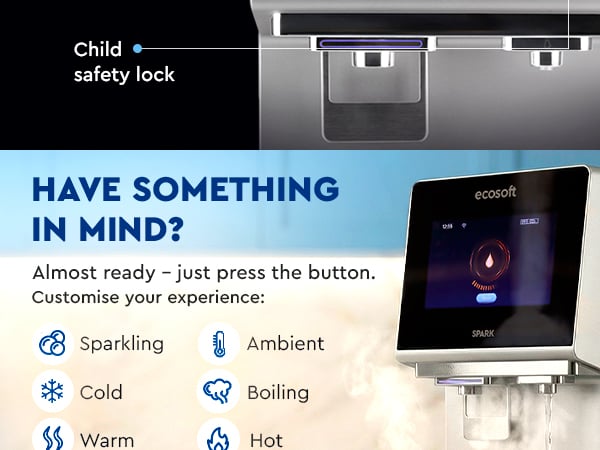
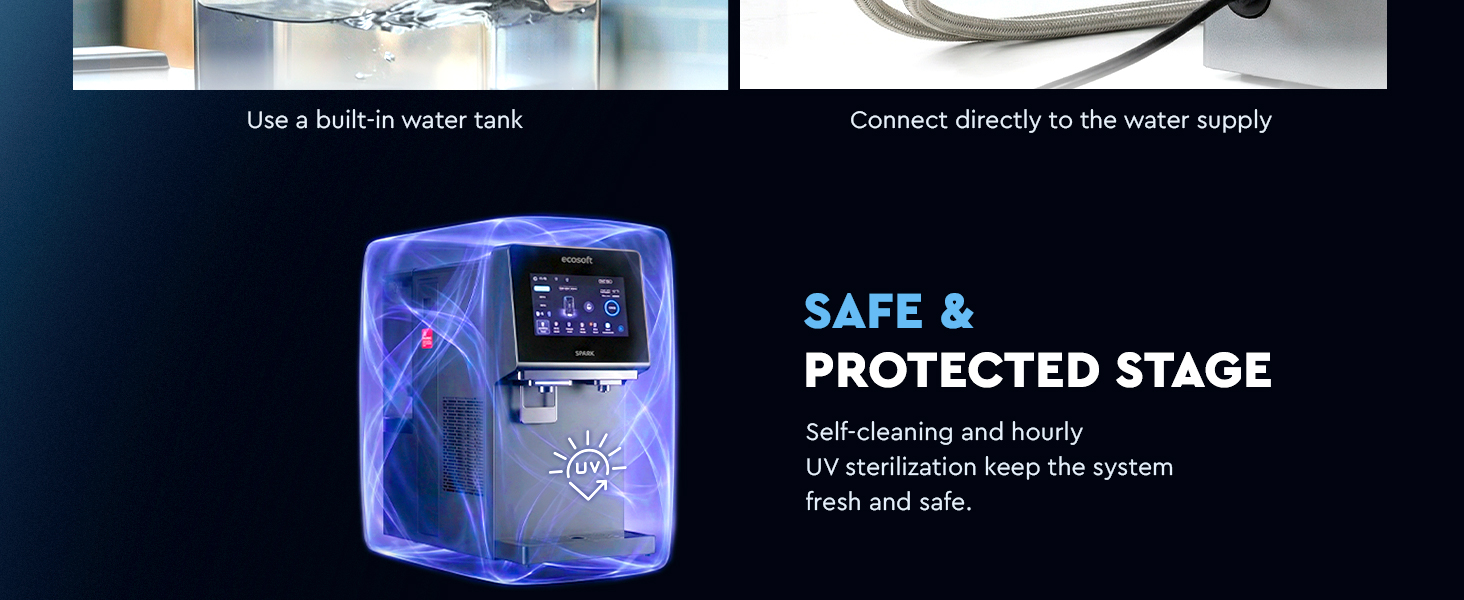
- UV sterilization and child lock for extra safety
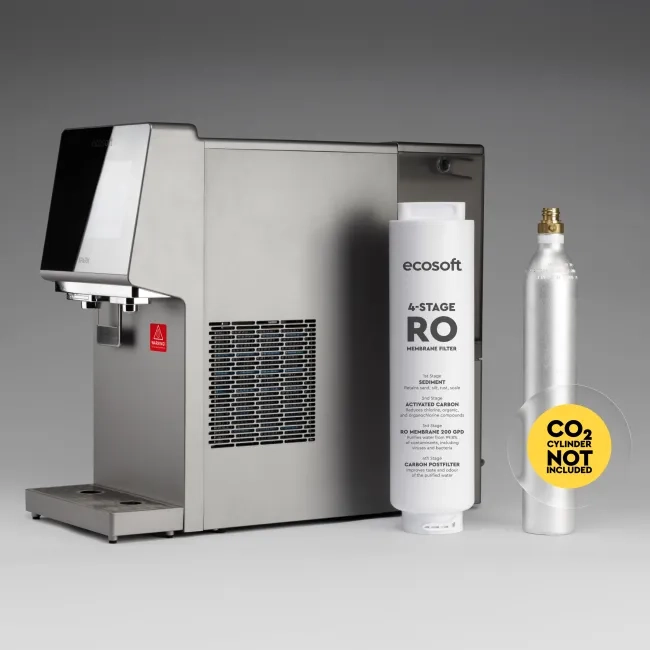
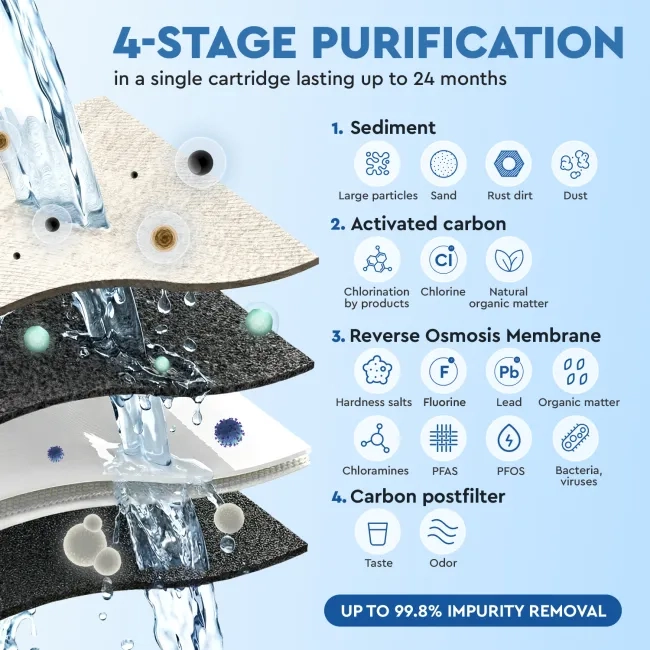
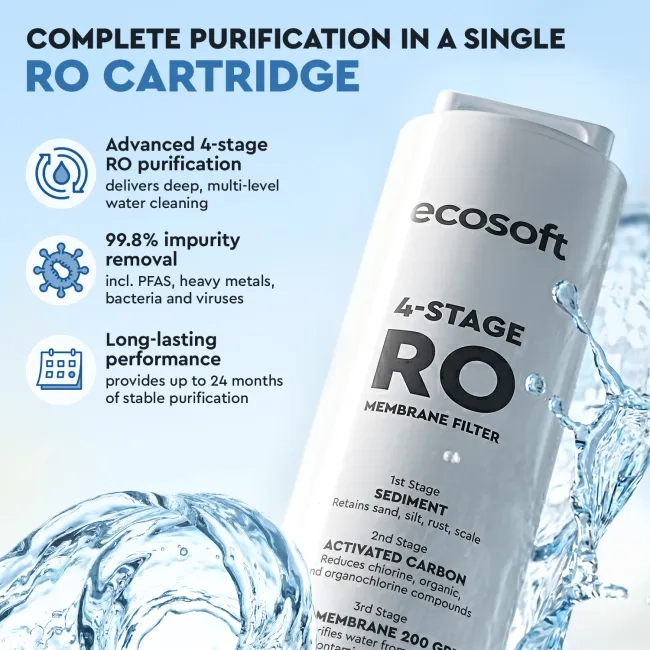
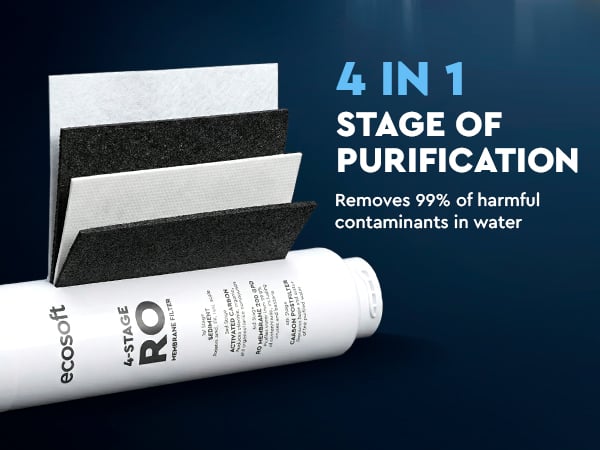
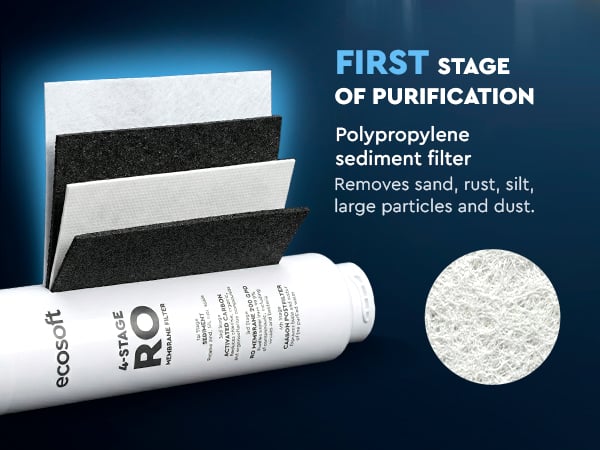
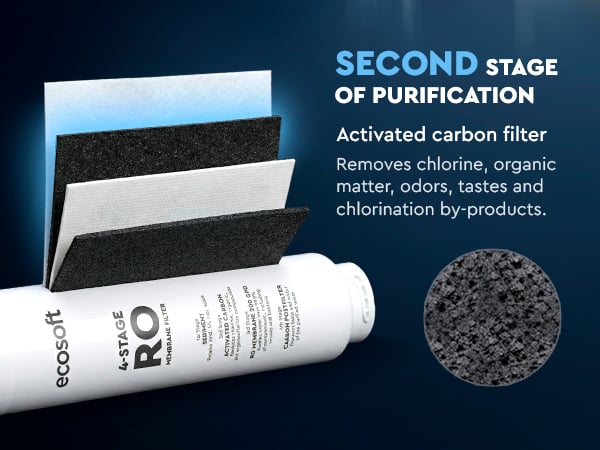
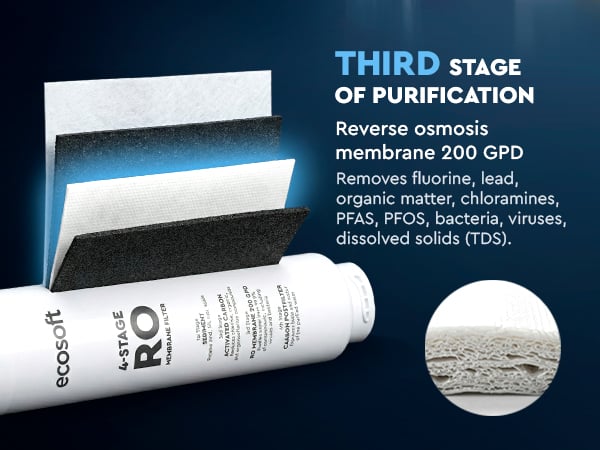
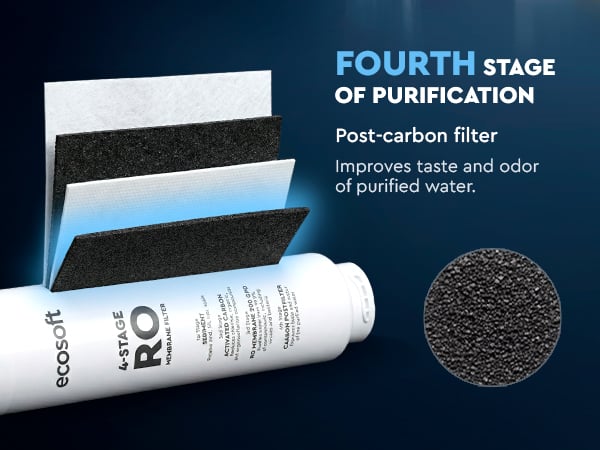
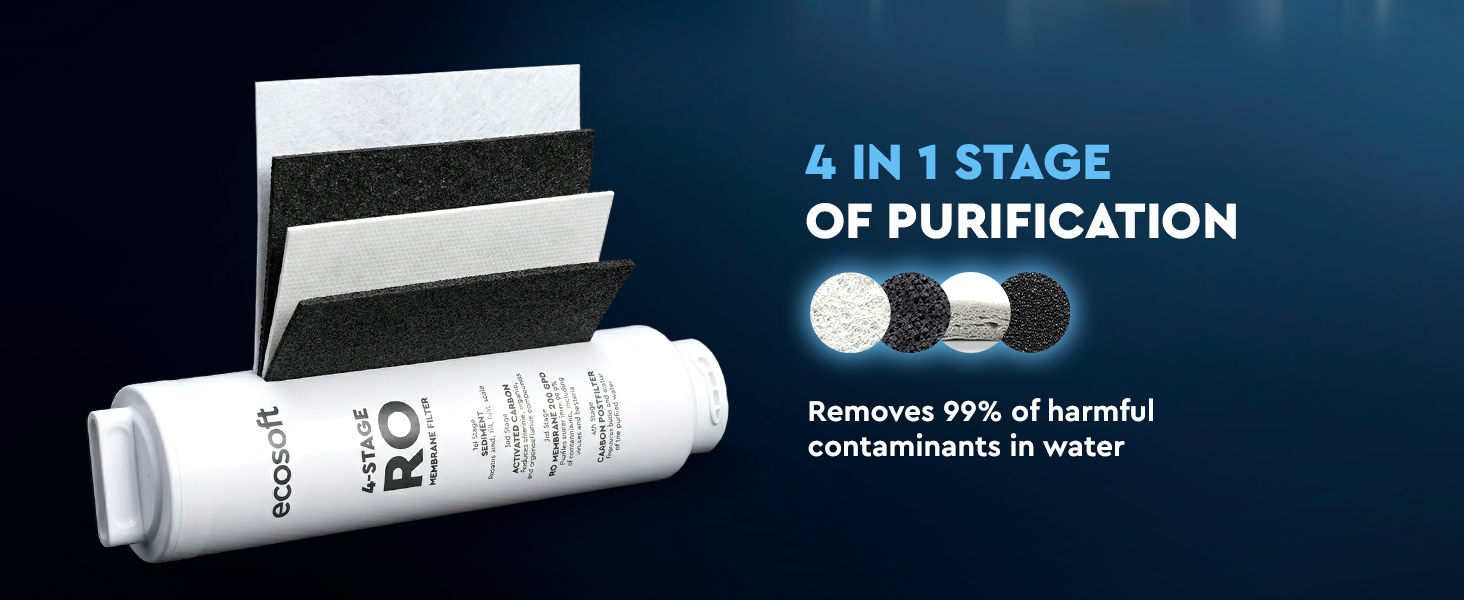
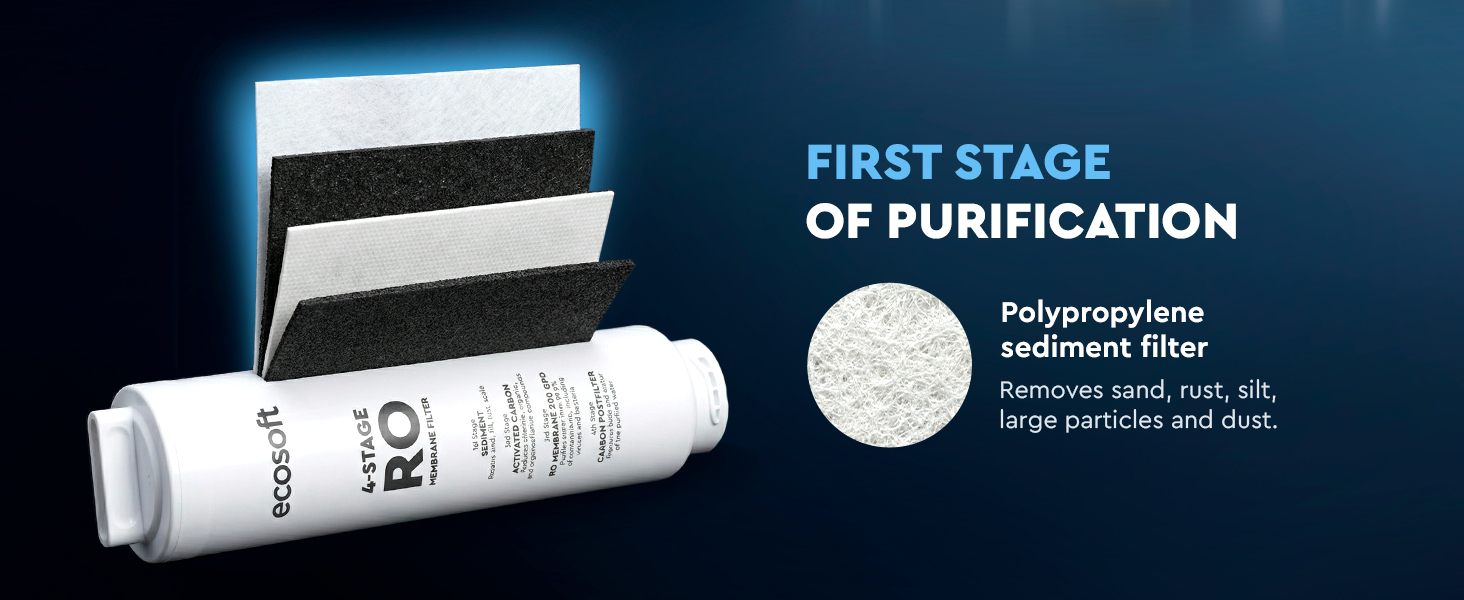
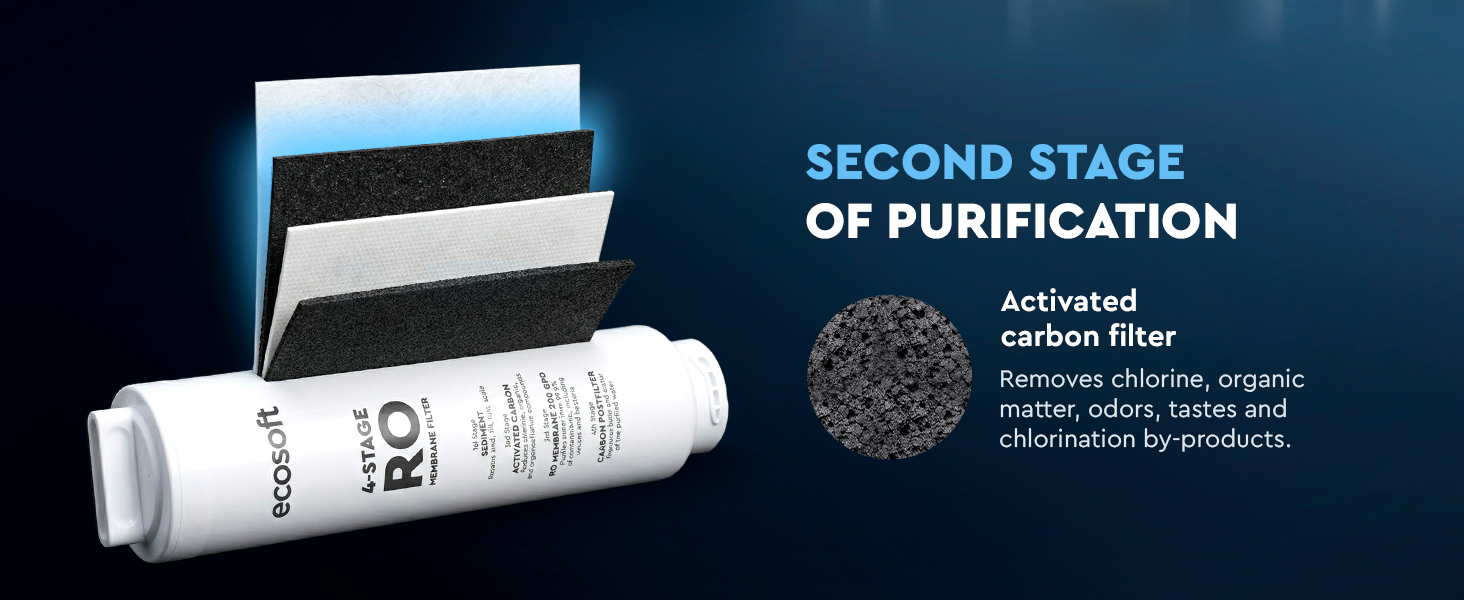
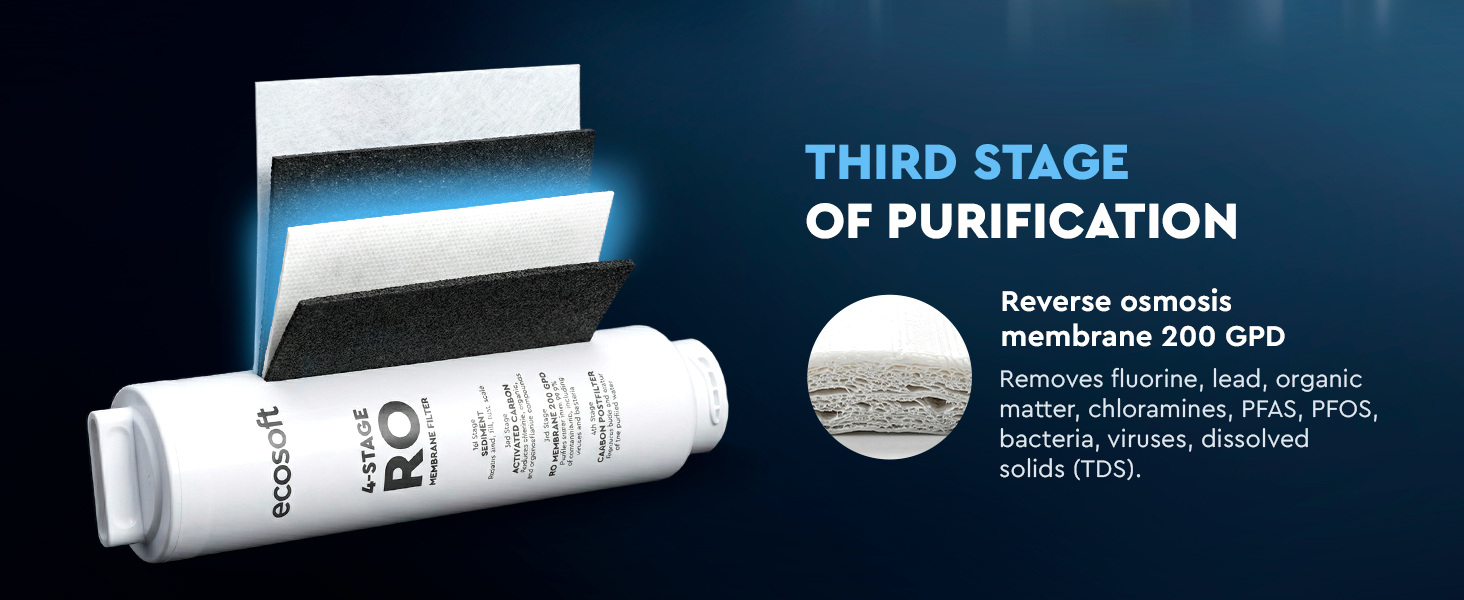
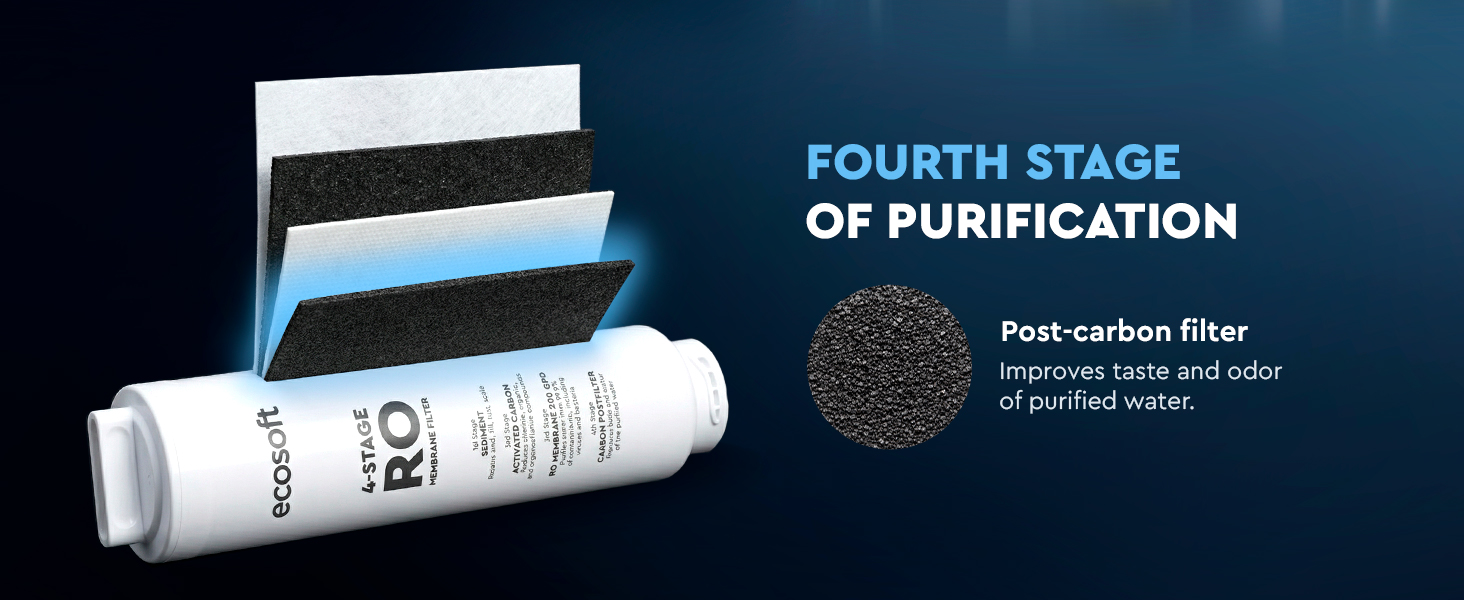
- 4-stage filter removes up to 99% of impurities


Product information
Ecosoft SPARK smart countertop reverse osmosis dispenser is a compact all-in-one system that delivers pure, great-tasting water in multiple formats: cold, warm, hot, boiling, and chilled sparkling. Its 4-stage reverse osmosis filtration removes up to 99% of impurities, ensuring high water quality for everyday use at home or in small offices. The full-color touchscreen provides easy control of temperature and dispensing volume, while real-time TDS and filter status monitoring help you track water quality.
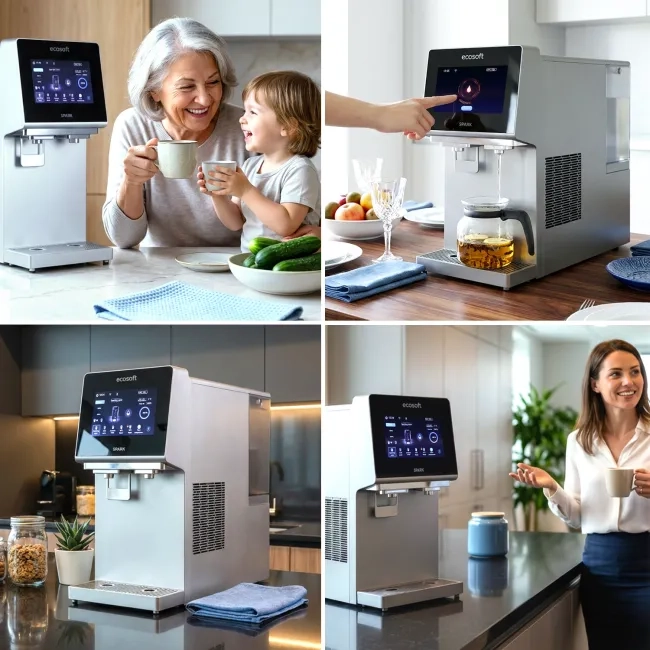
The dispenser works from a built-in 5-liter tank or a direct tap connection, making installation flexible and hassle-free. UV sterilization and a child safety lock ensure safe operation, and Wi-Fi connectivity with Smart Life app support allows remote control and smart alerts. With its sleek, space-saving countertop design, Ecosoft SPARK is a stylish and practical solution for kitchens, home offices, apartments, or any space where clean water in different formats is essential.
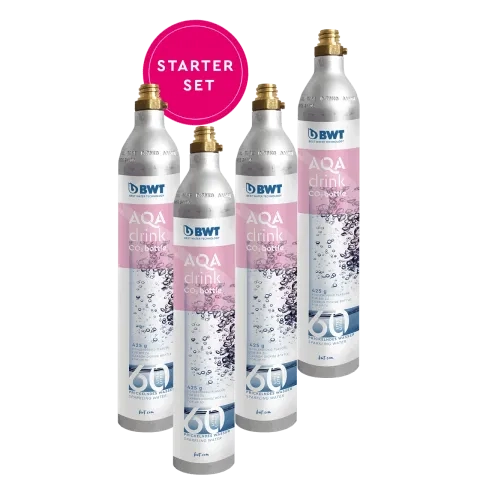
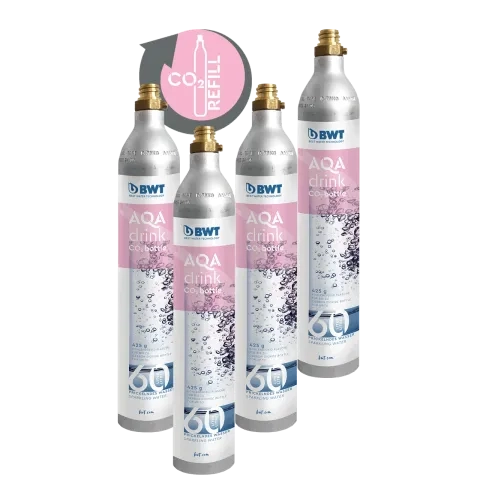
The CO₂ cylinder required for sparkling water is not included with the unit. The device is compatible with a standard 60 L CO₂ cylinder, which can be purchased separately on the Ecosoft website.


Technical information
* Wi-Fi connectivity with Smart Life app, real-time TDS monitoring, filter-replacement reminders, adjustable dispensing volumes, automatic cleaning cycles, CO₂ level display, system alerts, and child safety lock.
Cartridge Replacement Frequency
- Replacement filter for Smart countertop reverse osmosis dispenser SPARK: Replace every 24 months or after 4000 Liters of purified water.
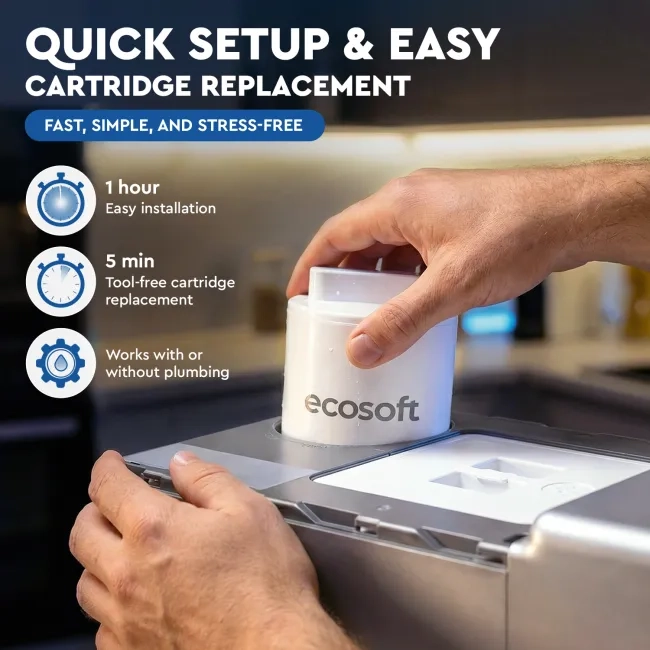
The cartridge uses a single 4-in-1 design, making replacement quick and clean. Thanks to the twist-and-lock mechanism, no tools are required. The device automatically stops operation during replacement to prevent water spills. The entire process takes less than 5 minutes.
SPARK performs an automatic flushing cycle after installation or after replacing the cartridge. This helps stabilize water quality and ensures proper operation of the system.
⚠️ SPARK is designed for use with municipal tap water with TDS ≤ 250 ppm.
Cartridge Replacement Notification
The system provides built-in reminders when the cartridge reaches the end of its service life:
- The touchscreen displays a filter status alert
- The Smart Life app sends a notification to your phone
These alerts indicate it is time to replace the filter cartridge.
After Cartridge Replacement
After installing the new cartridge, the device will automatically perform an initial flushing cycle.
Once flushing is complete, the system resets the filter status automatically; no manual reset button is required.
Usage Tip
For the best taste and water quality, discard the first 1–2 glasses of water after long periods of inactivity (e.g., overnight). This helps remove stagnant water from internal channels and ensures optimal freshness.
Replacements
-
- every 24 months
Ready to shipCSV1200BCHASECO€ 143.33 excl. VAT€ 172.00 incl. VAT -
€ 79.08 excl. VAT€ 94.90 incl. VAT
-
€ 34.92 excl. VAT€ 41.90 incl. VAT



FAQ
-
What types of water can SPARK dispense?
SPARK can dispense sparkling, cold, room-temperature, warm, hot, and boiling water.
-
Does SPARK need to be connected to the water supply?
No. SPARK can work in two ways:
- using the built-in water tank, which you fill manually with tap water;
- connected directly to the household water supply.
-
What water can I put in the tank?
Use only clean tap water. Do not add ice, milk, juice, or any other liquids.
-
Why doesn't water come out immediately after I fill the tank?
After filling the tank, SPARK needs time to filter the water and fill the internal purified water tank. Please wait a few minutes before dispensing water.
-
Why is SPARK making noise after I fill the tank?
The system automatically starts producing purified water after the tank is filled. Pump and filtration sounds are normal.
-
Can I control SPARK with a mobile app?
Yes. Connect SPARK to Wi-Fi and control it remotely using the Smart Life app.
-
Does SPARK have a child safety lock for hot water?
Yes. SPARK includes a child safety lock to help prevent accidental dispensing of hot water.
-
Does SPARK use UV sterilization?
Yes. SPARK uses UV sterilization to help keep purified water fresh and hygienic.
-
Is the CO₂ cylinder included with SPARK?
No. The CO₂ cylinder is not included and must be purchased separately.
-
What CO₂ cylinder can I use?
SPARK is compatible with a standard food-grade CO₂ cylinder:
- 425 g CO₂ (60 L capacity)
- Standard screw-in type
- Dimensions: Ø 60 mm × H 358 mm
-
Why isn't sparkling water available?
If you have just filled the water tank, please wait 1–2 minutes. SPARK needs time to produce purified water and prepare sparkling water. If sparkling water is still unavailable, check that the CO₂ cylinder is installed correctly and contains gas.
-
How often should I replace the filter?
The filter should be replaced every 24 months. Actual filter life may vary depending on water quality and usage.
-
How do I know when the filter needs replacement?
The display will show a notification when it is time to replace the filter.
-
Do I need to flush the system before first use?
Yes. Before using SPARK for the first time, run the automatic cleaning program according to the user manual.
-
Is it normal to find water inside the dispenser after unpacking?
Yes. Every SPARK unit is tested with water before leaving the factory, so a small amount of moisture inside the dispenser is normal.
-
Can I use water with high TDS?
SPARK is designed for municipal tap water with TDS up to 250 ppm.
-
What should I do if the water replacement reminder appears?
Empty the water tank completely and refill it with fresh tap water. Do not simply add fresh water to the existing water.
-
What does a red CO₂ indicator mean?
A red CO₂ indicator means the CO₂ cylinder is empty or not installed correctly.
-
How much tap water can the built-in water tank hold?
The built-in raw water tank can hold up to 5 liters of tap water.
-
What should I do if the dispenser does not produce water?
Check that the water tank contains water, the dispenser is powered on, and the filter is not blocked or overdue for replacement.
-
Can I adjust the cold water temperature?
Yes. The cold water temperature can be adjusted between 4°C and 8°C.
-
Can I turn the cooling function off?
Yes. The cooling function can be turned off in the system settings.
 Germany
 Italy
Germany
Italy
Germany
Bought countertop ro Spark for my office. Great product!
 Italy
Italy
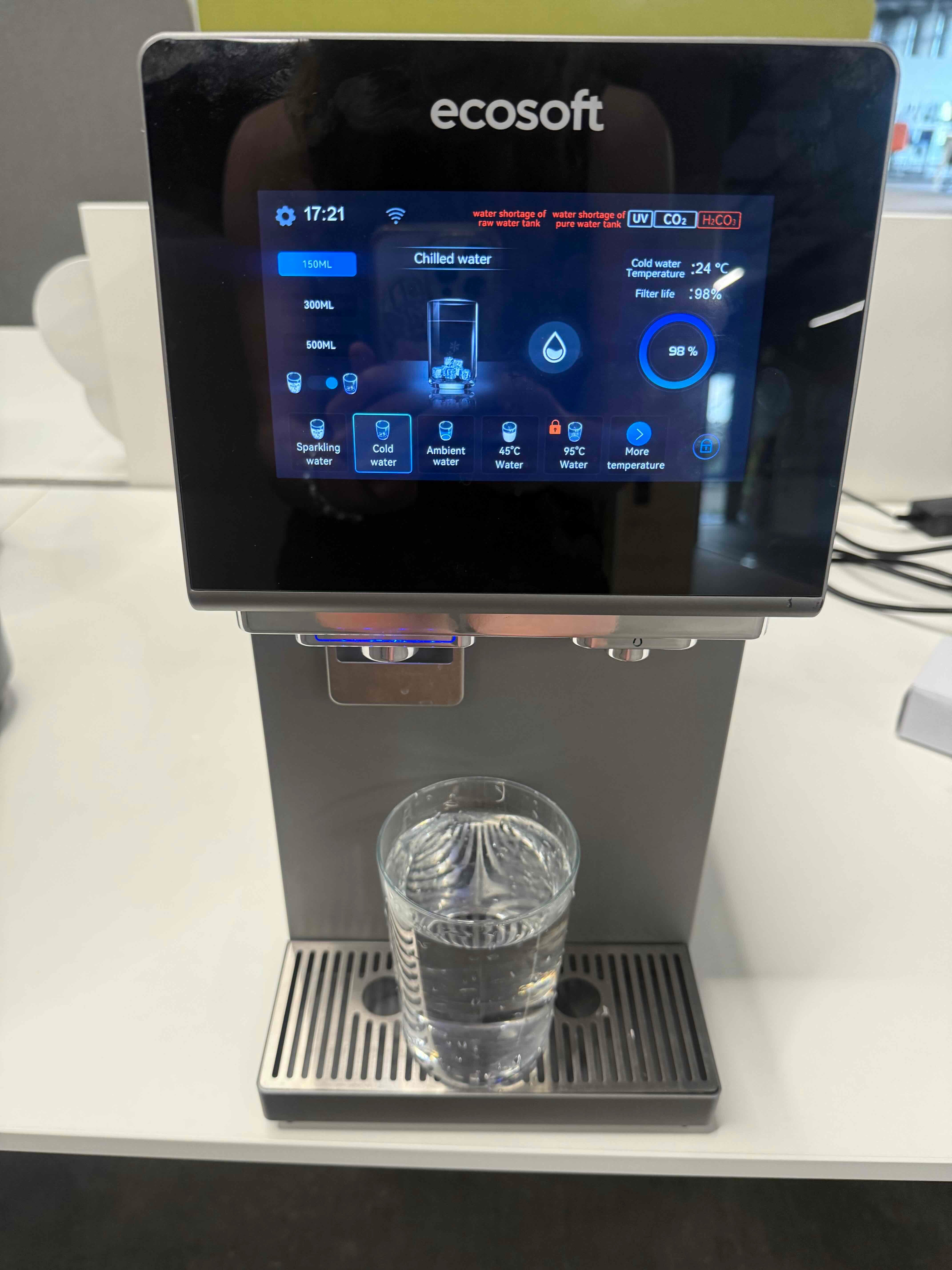
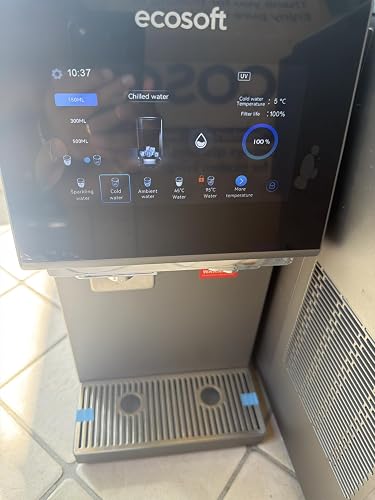
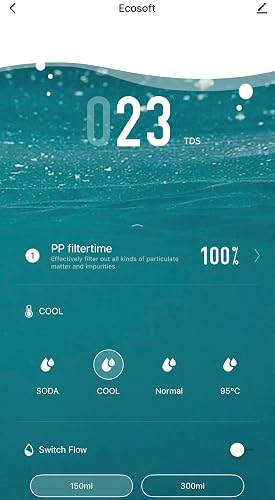
Una macchina che sostituisce le casse di acqua! Attenzione alla descrizione: NON ARRIVA A 100 gradi ma 95 e non mostra il
Tds in tempo reale nella foto allegata l’interfaccia è così! Per il resto funziona come acqua frizzante, ambiente e fredda ma fredda da frigo. Comodo l’orario visualizzato durante lo stand by e le luci blu per acqua fredda, bianca per ambiente, rossa per calda in più e dotato di manopola di erogazione manuale se la funzione automatica di 150/300/500ml non vi piace; ha una app per visualizzarla da remoto che funziona con Smart life ma non ha “molte” funzioni utili a distanza (anche perché puoi erogare acqua a distanza ma se non vai a prendere il bicchiere sotto, serve a nulla) utile magari per visualizzare il tds o stato filtro filtro senza dover andare nel menu delle
Impostazioni della macchina. Interfaccia in inglese, tedesco e cinese! Ma con sto prezzo prodotto veramente super! Non ha il filtro co2 ma se comprate a parte qualsiasi serbatoio a vite filettata (sodastream blu) funziona ed eroga acqua frizzante in maniera eccelsa!
Photo